
Screenshots
A look around
Number Stations running live from the ISO, and the art drawn for it. Each picture says which release it shows.
On screen
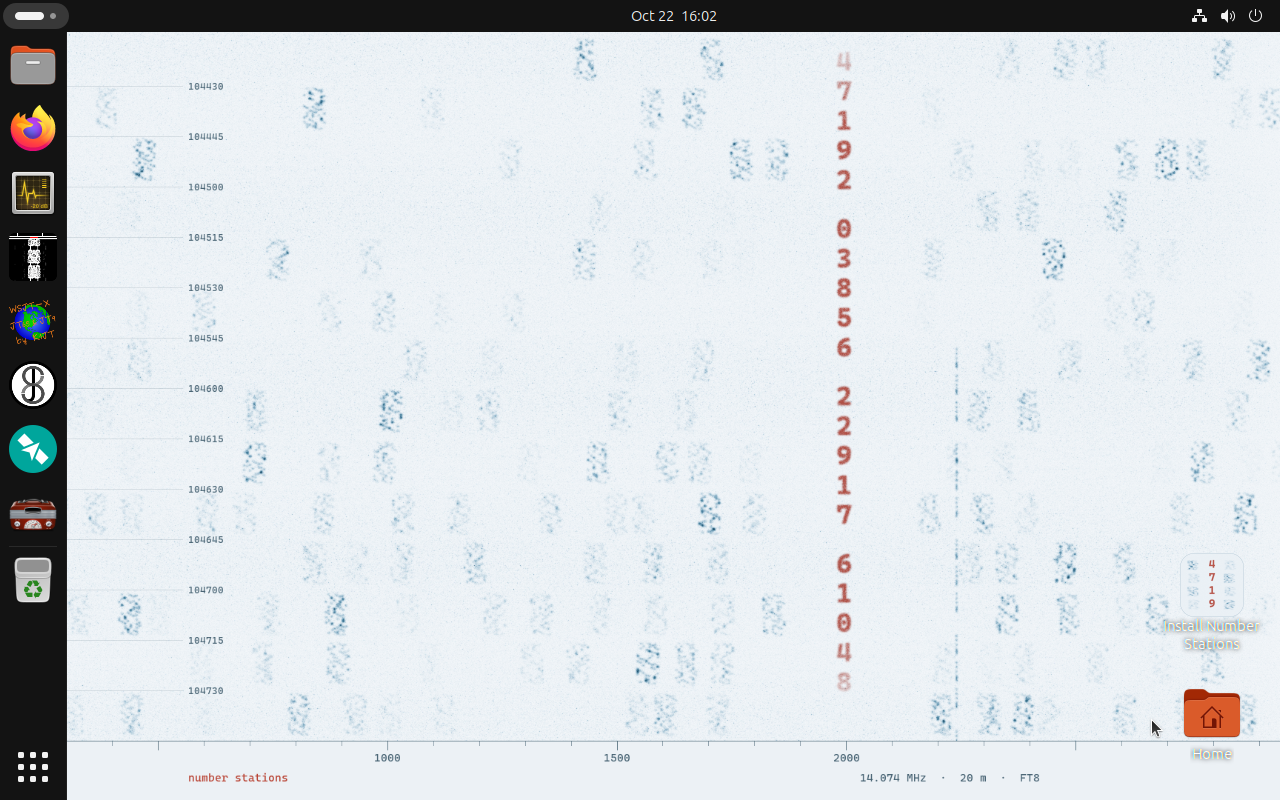
The desktop Screenshot
Started from a USB stick, straight to the desktop. The radio apps are in the dock, and the installer and your Home folder sit on the right.
Captured by the linuxlive build test of Number Stations 0.1, 22 October 2026. Full size
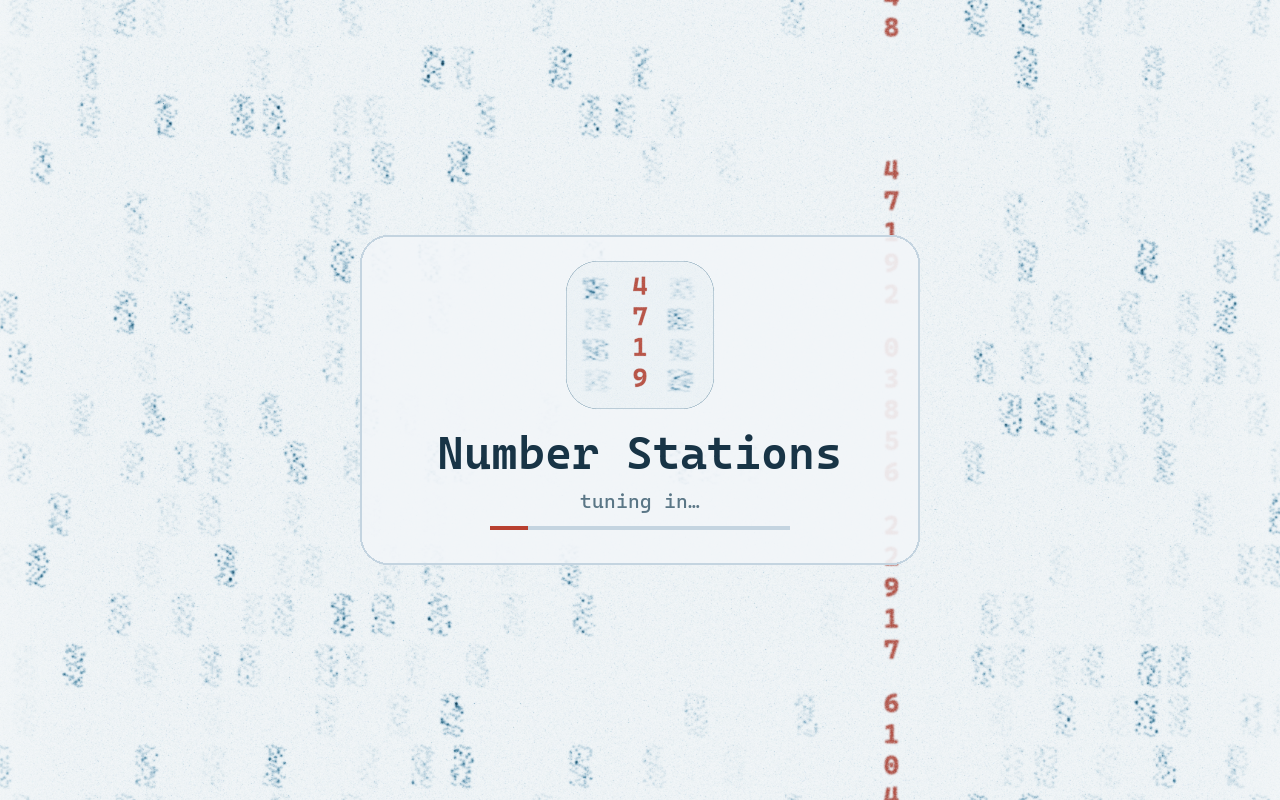
The boot splash Screenshot
While the computer starts, the waterfall scrolls down behind the logo, a row at a time, as it does in WSJT-X.
Captured by the linuxlive build test of Number Stations 0.1, 22 October 2026. Full size
Artwork
Drawn in code for Number Stations, and free to use under MIT No Attribution.
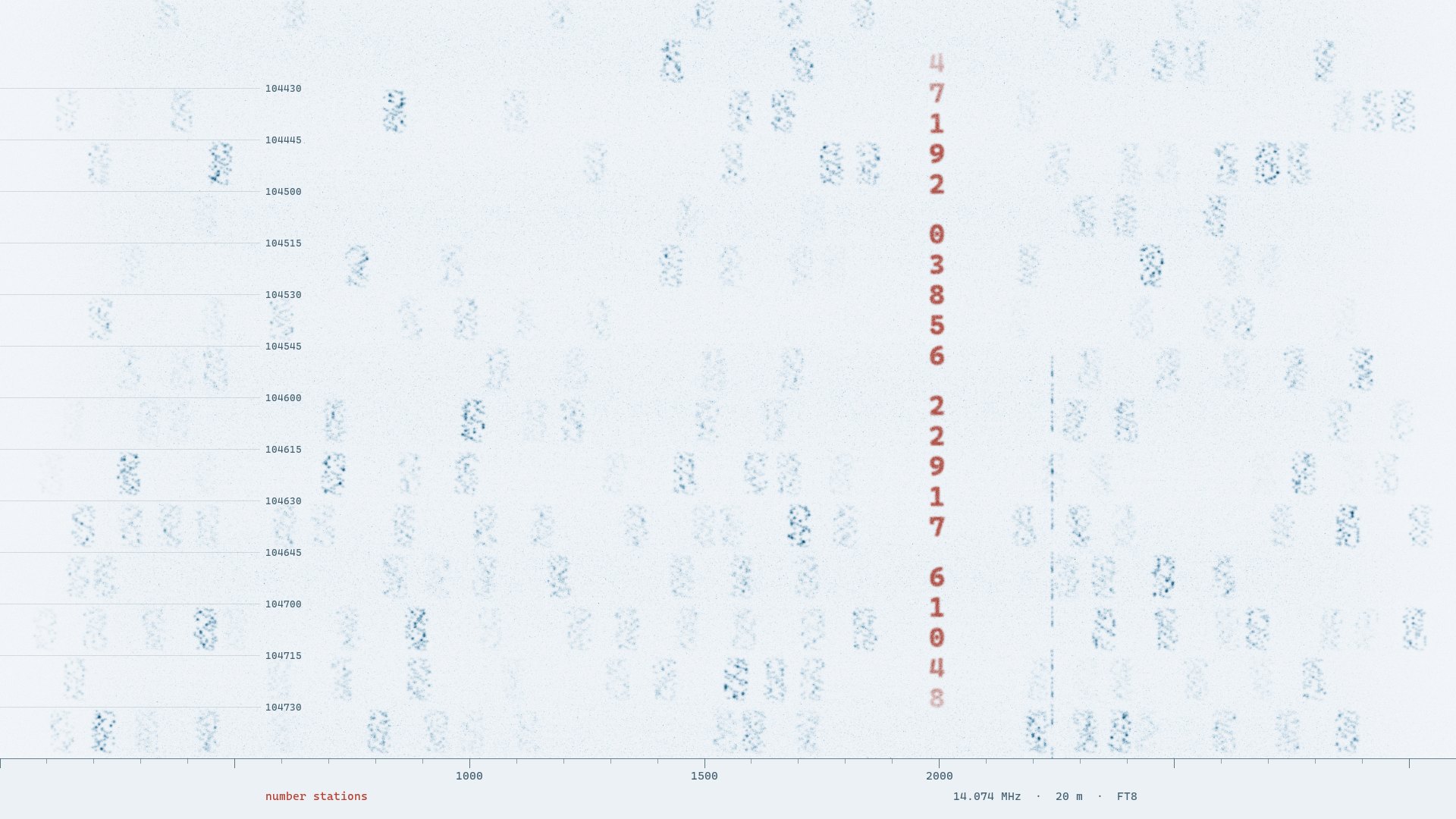
The wallpaper Artwork
FT8 on 20 metres, as WSJT-X would show it, with a numbers station’s groups in the middle of the band.
Drawn by a Python script that simulates FT8 signals and a CW carrier, for Number Stations. MIT No Attribution. Full size
The logo Artwork
A slice of the waterfall, with the first group’s digits. It is on the boot screen, in About and as the installer’s icon.
Drawn for Number Stations, MIT No Attribution. Full size
See the rest for yourself
The quickest tour is the live session: start it in a virtual machine or from a USB stick, and nothing on your computer changes.